
1. ILT/VILT Training Report Block – Fixes
- We’ve improved the ILT/VILT Training Report block to deliver a more consistent and user-friendly experience.
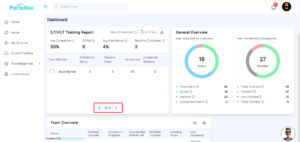
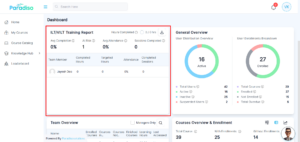
- Previously, pagination behavior depended on the amount of data displayed, which caused inconsistency across the UI. With this update, the pagination bar is now fixed (sticky) at the bottom of the block, ensuring it remains in place at all times. Additionally, when only a single page of data is available, the pagination bar is automatically hidden to reduce unnecessary UI clutter.
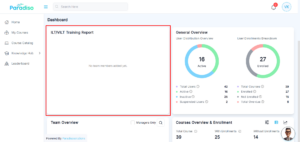
- We’ve also improved how empty states are handled. When no members are added, the statistics section will no longer display zero values. Instead, a standardized empty state message is shown, aligned with other dashboard blocks.
- These improvements create a cleaner interface and enhance overall usability across the dashboard.
- Improved overall UI consistency and user experience across dashboard blocks
2. My Courses Block – UI Fix
- The My Courses block has been refined to improve layout and presentation.
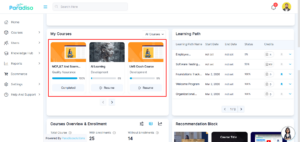
- Earlier, course cards appeared misaligned and visually inconsistent, making it difficult to get information quickly. This has now been corrected with improved spacing and structured alignment.
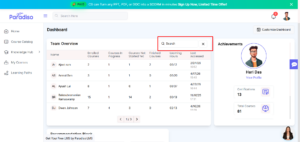
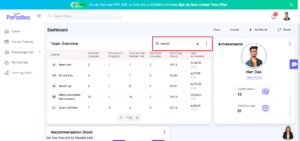
3. Team Overview Block – Search Icon Fix
- We’ve addressed UI issues in the Team Overview block related to the search functionality.
- Previously, the search cancel (close) icon overlapped with the three-dot (more options) icon and sometimes with the block border, affecting usability. This overlap has now been resolved, and the search cancel icon has been repositioned for better alignment.
- These improvements apply to both states—when Customize Dashboard is enabled and disabled—ensuring a consistent and clean layout in all scenarios
4. Dashboard Add Block Popup – UI Fix
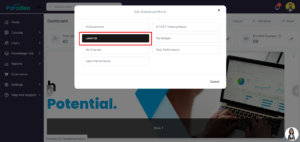
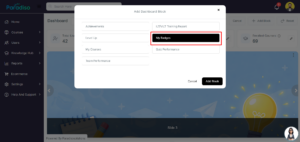
- The Add Block popup has been improved to provide a smoother and more reliable user experience.
- Earlier, the selected block text became invisible when the cursor moved away, which made selection confusing. This issue has now been fixed, and text visibility remains consistent even after hover-out.
- Hover behavior has also been refined, resulting in better interaction and improved usability while selecting blocks.
5. Tooltip Style Inconsistency Across Blocks Fix
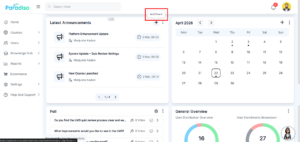
- Tooltip styling has been standardized across all dashboard blocks and key stats cards.
- Previously, tooltip designs varied across different sections, leading to an inconsistent user experience. With this update, a unified tooltip style has been implemented throughout the dashboard.
- This enhancement improves visual consistency and creates a more cohesive interface.
6. Team Progress Block – UI Fix
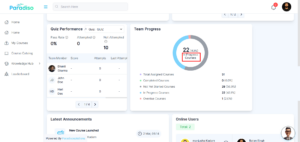
- We’ve corrected a text labeling issue in the Team Progress block.
- The label “In Courses Progress” has been updated to “In Progress Courses” to improve clarity and ensure proper wording.
- This change ensures consistency in terminology across the dashboard and enhances readability.
7. Learning Path Block – Fixes
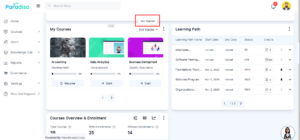
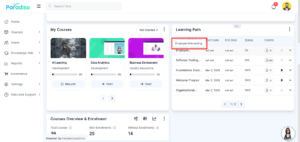
- Several improvements have been made to the Learning Path block to enhance usability and consistency.
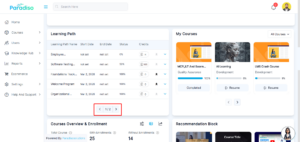
- Pagination has been updated to match the standard style used across other dashboard blocks, ensuring a uniform look and feel.
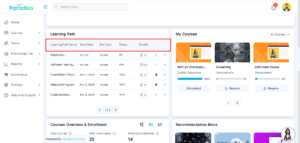
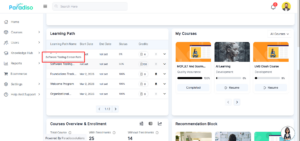
- Non-functional up and down arrows in the header have been removed to avoid confusion. Additionally, tooltips now display the full course name without truncation, making it easier for users to view complete information.
- These updates improve both usability and visual consistency.
8. Course Level Up – Fix
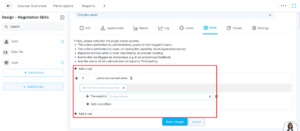
- Users will now correctly receive Course Level Up points after completing defined rules.
- We fixed an issue where points were not being awarded after rule completion, ensuring accurate tracking of user progress and achievements.
9. Dashboard Capability Update
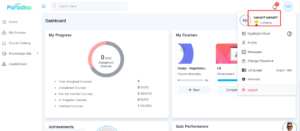
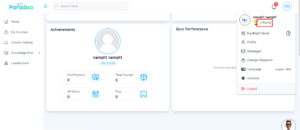
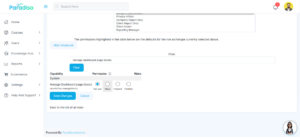
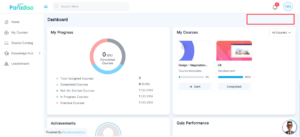
- Dashboard capability behavior has been updated to provide better control. When “Manage Dashboard Page” is set to Not Set, students will not see the Customize Dashboard button. When set to Allow, the button becomes visible. This behavior aligns with the capability setting moodle/my:manageblocks.
10. General Enhancements & Fixes
- We’ve introduced several enhancements and fixes across the platform to improve navigation, UI consistency, and overall system behavior.
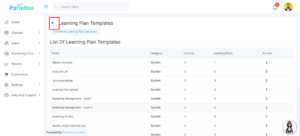
- A Back Button has been added in Master Settings, making it easier for users to navigate between pages without losing context.
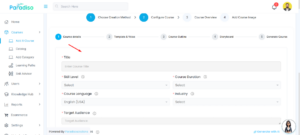
- The CS iFrame UI has been improved with background color enhancements, providing a cleaner and more consistent experience during course creation.
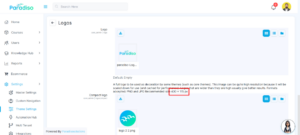
- Logo display has also been refined by setting proper sizing in the expanded description view, ensuring better visual presentation.
- We’ve also resolved several issues to improve system reliability:-
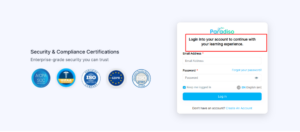
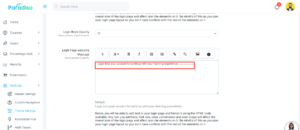
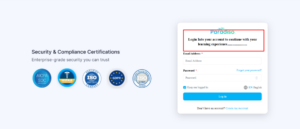
- Resolved login page message update issues
- Fixed incorrect validation messages for completion date during activity editing
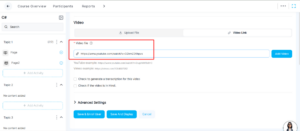
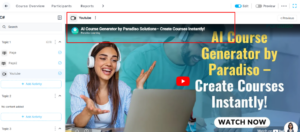
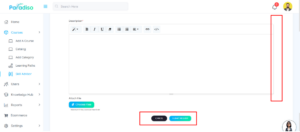
- Addressed button visibility issues caused by unnecessary scrolling in CS iFrame
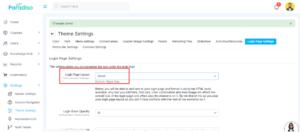
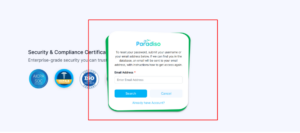
- Fixed alignment issues on the Forgot Password page when center/right positioning was selected
- Removed an unnecessary grey circle appearing while adding activities
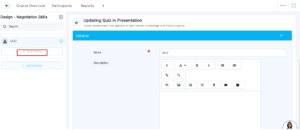
11. Dropdown Behavior Update
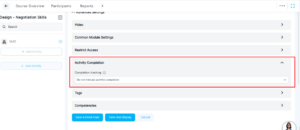
- We’ve improved the behavior of the activity completion dropdown for better clarity and functionality.
- When “Do not indicate completion” is selected, all other completion options are automatically hidden.
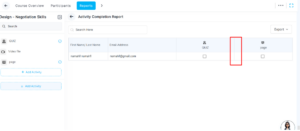
- Additionally, activities created with this setting will not be included in activity or course completion reports, ensuring accurate reporting and avoiding confusion.
Summary:
- Focuses on improving overall system usability and dashboard experience through UI enhancements, consistency updates, and bug fixes
- Refined pagination behavior, alignment issues, tooltip styling, and text inconsistencies across multiple blocks
- Improved empty state handling to provide a cleaner interface
- Resolved functional issues, including Course Level Up points, dropdown behavior, and system reliability fixes