
You can create course from importing your content or document also.
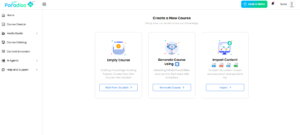
Click on the Import Content ( you can upload Paradiso SCORM file, ppt , pdf or doc file)
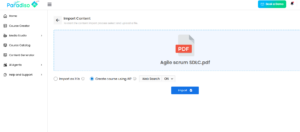
For a pdf document, you can import and choose to create course using AI with web search ON/OFF
You can import the ppt as it is , so that the course will be created with the slides from the ppt.
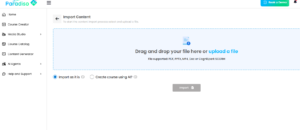
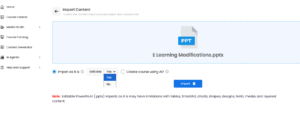
You can also create a course using AI , by keeping web search ON which creates courses with the document content along with web search
If we keep the web search OFF- the courses will be created from the content uploaded only.
Then Click on import option
Select the template and click on generate course
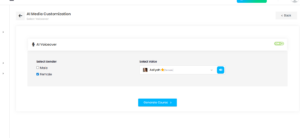
You can toggle on the audio and choose from the voice as required.
You can click on Generate course
Your course will be created
You can edit or add more interactivities and quizzes as required
You can click on Save to save your course
You can click on Export as a SCORM