
1. Certificate Activity UI Enhancements:
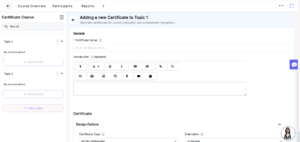
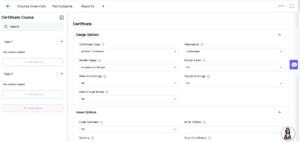
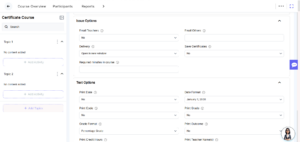
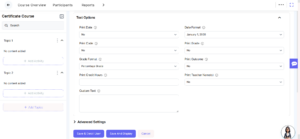
- We’ve enhanced the Certificate activity to provide a more consistent and user-friendly configuration experience.
- Previously, certain labels and fields lacked clarity, making the setup process less intuitive. With this update, the activity label on the creation page has been refined, along with improvements to field names and placeholder text for better understanding.
- Dropdown menus have also been enhanced with clearer arrow indicators and updated field structures within them.
- These improvements create a smoother configuration experience and improve overall usability of the activity setup.
2. User Profile Enhancement – UI Design:
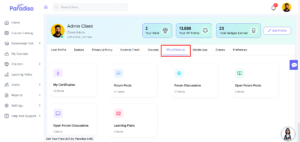
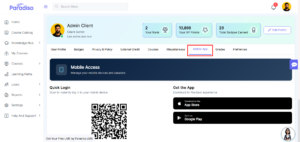
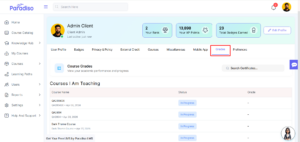
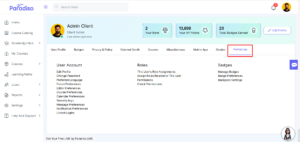
- The User Profile page has been improved to deliver a more consistent and structured user experience across all tabs.
- User details—including profile picture, user name, rank, XP points, total badges earned, and the Edit Profile option—are now displayed consistently across all tabs.
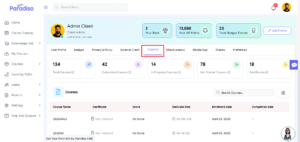
- Statistics related to courses are now visible only within the Courses tab and are no longer repeated across other sections.
- Additionally, UI elements such as field names, placeholder text, icons, and alignments have been refined for better clarity and consistency.
- The following profile tabs are included in this update:
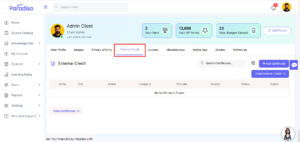
User Profile, Badges, Privacy and Policy, External Credit, Courses, Miscellaneous, Mobile App, Grades, and Preferences. - User Profile –
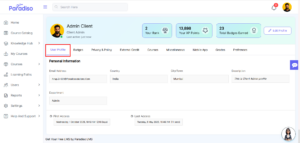
- Badge –
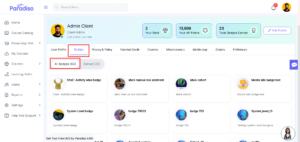
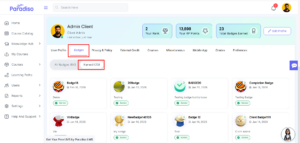
- Privacy & Policy –
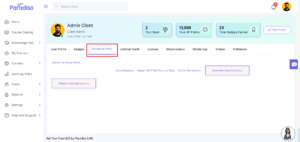
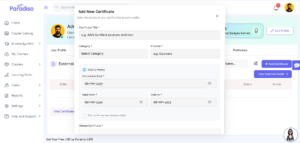
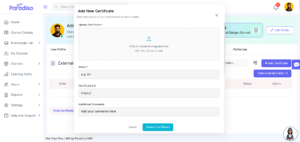
- External Credit –
- Courses –
- Miscellaneous –
- Mobile App –
- Grades –
- Preferences –
3. ILT Enhancement:
- Enhancements to the ILT module focus on improving UI/UX without impacting any existing functionality.
- All updates are visual and organizational, aimed at improving clarity and usability.
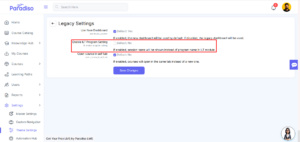
- A new configuration setting has been introduced under Legacy Settings:
- Setting Name: Enable ILT Program Setting
- Key: ilt_enable_program_setting
- Default Value: No
Behavior:
- When enabled, the session name is displayed instead of the program name in the ILT module.
- When disabled, the system continues to follow the existing program name.
- These updates provide better flexibility while maintaining current system behavior.
4. Course Page UI/UX Enhancement:
- The Course Page has been enhanced to improve navigation and overall user experience.
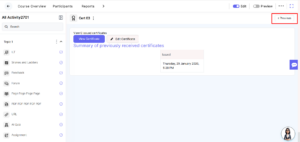
- The Next and Previous buttons have been refined for smoother navigation, with the Next button now highlighted using the primary theme color for better visibility.
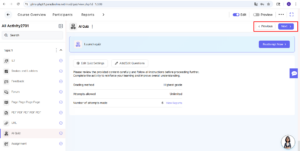
- On the last activity, the Next button is not displayed to avoid confusion.
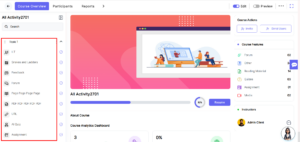
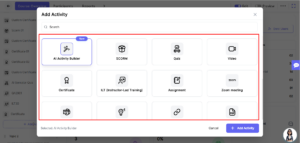
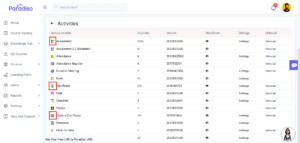
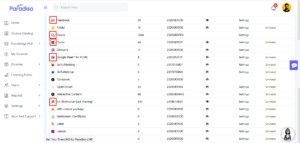
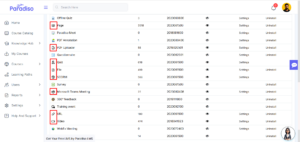
- Activity icons and title names have also been updated across all activity types to ensure consistency.
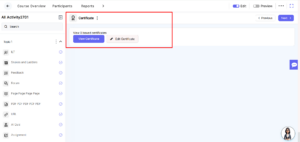
- These updates are reflected across the left navigation panel, Add Activity popup, post-creation flow, and Master Settings.
- These improvements enhance navigation clarity and provide a more consistent interface.
- Left Navigation Panel –
- Add Activity Popup –
- After Activity Creation Flow –
- Master Settings –
5. Course Overview – Student Stats Enhancement:
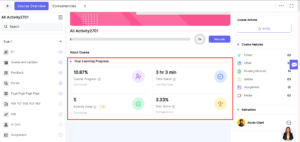
- We’ve introduced student statistics on the Course Overview page to provide better visibility into learning progress.
- These stats offer quick insights to help users track their course performance effectively.
Displayed metrics include:
- Course Progress – Percentage of activities completed
- Time Spent – Total time spent on the course
- Activity Done – Number of completed activities
- Quiz Score – Average quiz score percentage
- This enhancement improves progress tracking and overall learning visibility.
6. Enrollment UI Enhancement:
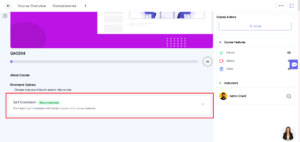
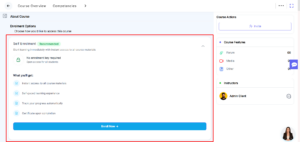
- The course enrollment interface has been improved to provide better clarity and usability.
- Updates focus on refining layout and visual structure, making the enrollment process more intuitive and user-friendly.
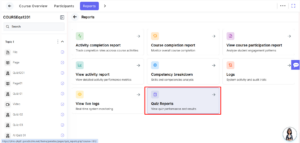
7. Quiz Reports Added to Main Reports Section:
- Quiz Reports have been reorganized to improve accessibility and usability.
- Previously available within the Quiz activity (under the Grade section), these reports are now moved to the Main Reports section.
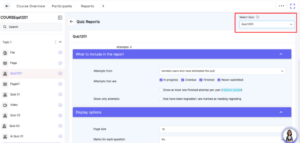
- A new Quiz Report tab has been added, allowing users to easily access quiz-related data.
- A quiz selector dropdown has also been introduced, enabling users to switch between different quizzes and view detailed performance reports.
- These improvements streamline access to quiz analytics and enhance reporting efficiency.
8. AI Proctoring Report – Flag Update:
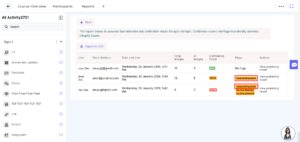
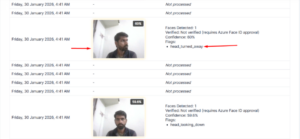
- The AI Proctoring Report has been updated to improve visibility of monitored quiz activities.
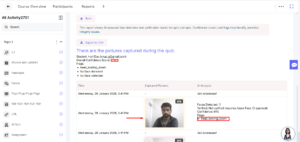
- Admins can view quiz attempts along with detected events and flags.
- Flag indicators have been updated with refined labels such as:
- head_looking_down
- head_turned_away
- Additionally, yellow markers highlight suspicious activities during quiz attempts, making it easier to identify potential issues.
- These enhancements improve monitoring clarity and reporting accuracy.
Summary:
- Focuses on improving overall system usability and user experience through UI enhancements and consistency updates.
- Refined Certificate activity, User Profile, ILT module, and Course Page for improved clarity and structure.
- Enhanced navigation, layout, and visual consistency across key areas.
- Introduced student progress insights on the Course Overview page.
- Improved accessibility of Quiz Reports by moving them to the Main Reports section.
- Updated AI Proctoring reports for better visibility of flagged activities.