
1. Quiz Performance Block – Report Link Update
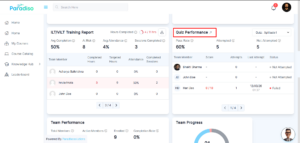
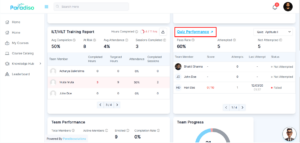
- We’ve refined the report link interaction in the Quiz Performance block to improve clarity and visual feedback.
- Previously, the arrow icon appeared large and visually inconsistent. It has now been resized and styled in a grey color for a cleaner look.
- On hover, both the arrow icon and block name now change to the primary color, and the block name is underlined.
- These updates provide clearer interaction cues and improve overall usability.
2. Social Wall – Header Updates
- The Social Wall header has been updated to align with UI design standards and ensure consistency across left navigation pages.
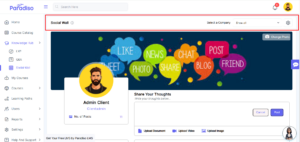
- An informational (“i”) icon has been added with a tooltip explaining the purpose of the Social Wall as a shared collaboration space.
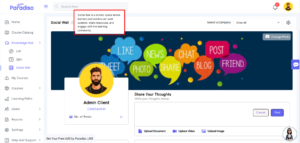
- A settings (gear) icon has also been introduced. When clicked, Admin and Client Admin users are redirected to the Social Wall Settings page in a new tab.
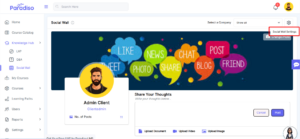
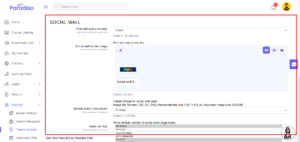
Link: admin/settings.php?section=local_social_wall - Access to the settings icon is restricted to Admin and Client Admin roles only.
- These improvements enhance usability and make navigation more intuitive.
3. Social Wall – Title Name Update
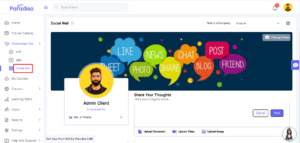
- We’ve standardized the naming convention of the Social Wall menu across the platform.
- Previously displayed in uppercase, the menu title has now been updated to title case for better readability and consistency.
- This change has been applied across all instances while preserving any existing custom labels.
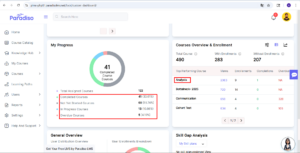
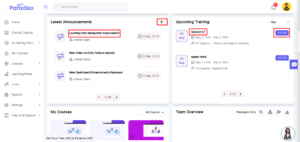
4. Dashboard Blocks – Open Links in New Tab
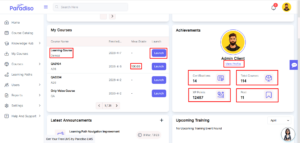
- All links within dashboard blocks now open in a new tab.
- Previously, links opened in the same tab, disrupting the user’s workflow.
- This update ensures users can access detailed information without losing their current dashboard context, improving navigation efficiency.
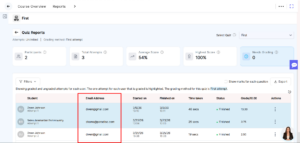
5. Quiz Performance Block Report – Email Address Column Fix
- We’ve resolved an issue where the Email Address column was missing in quiz reports for Reporting Managers.
- The column is now correctly displayed, ensuring access to complete user information and improving reporting accuracy.
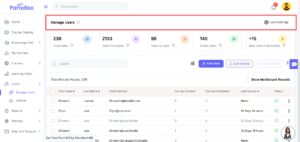
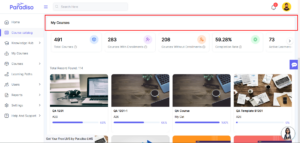
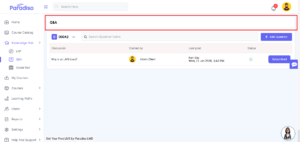
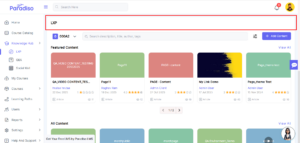
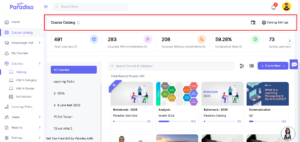
6. Left Navigation Menu – Page Header Size Consistency
- Page header sizes across left navigation pages have been standardized.
- Previously, inconsistent header sizes affected visual uniformity.
- Standardized the header size to ensure a consistent UI across all pages.
- This update ensures a consistent layout and improves the overall user experience.
7. Dashboard Blocks – UI Uniformity Enhancements
- Multiple UI improvements have been implemented across dashboard blocks to create a more cohesive experience.
- Info (“i”) icons have been standardized and aligned consistently. Tooltip styles have been unified across all blocks.
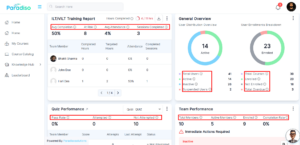
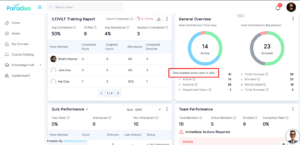
- Spacing, font styles, and alignment for labels, values, and icons have been refined.
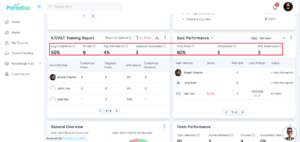
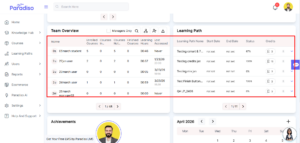
- Additionally, improvements have been made to table layouts, margins, and icon sizes, including export and plus icons.
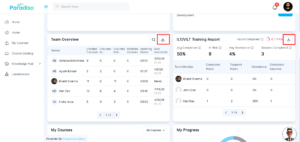
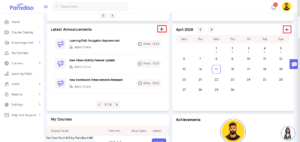
- Block naming in the Add Block popup has also been standardized with capitalized initials.
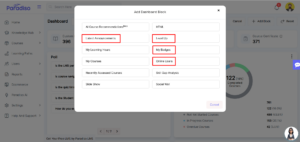
- These enhancements significantly improve readability, alignment, and overall visual consistency.
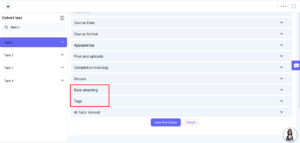
8. Course & Activity Settings – ‘i’ Icon Alignment Fix
- We’ve fixed alignment issues with the info (“i”) icon on the Edit Course page and within Quiz Activity settings.
- Previously, icons overlapped with other elements, impacting readability.
- These fixes ensure proper alignment and a cleaner interface.
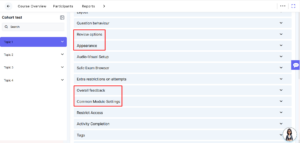
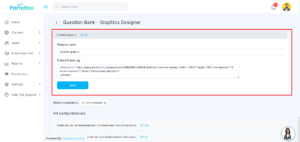
9. Roleplay Update on Question Bank
- Support for roleplay has been added to the existing Question Bank.
- This enhancement allows more flexible and interactive content creation within assessments.
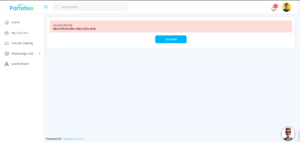
10. Reporting Manager Issues Fix
- We’ve resolved issues related to unauthorized URL access for Reporting Managers.
- Previously restricted content could be accessed via direct links.
- Access controls have now been enforced correctly, strengthening system security.
11. Icon UI Updates on Left Navigation Menu Pages
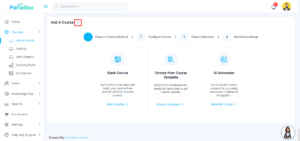
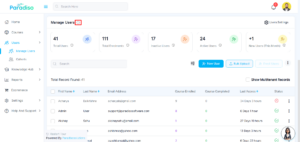
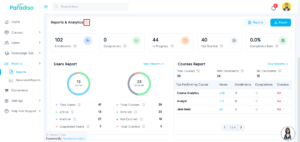
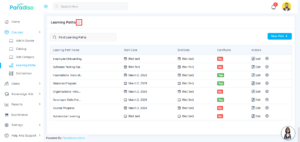
- Info (“i”) icons have been updated across multiple pages, including Add Course, Social Wall, Reports, Learning Path, Manage User, and Course Catalogue.
- Outdated icons have been replaced to maintain consistency with the updated design system..
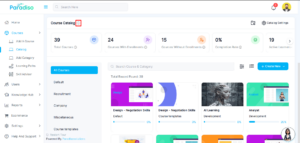

12. New Tab Navigation Issues Fix
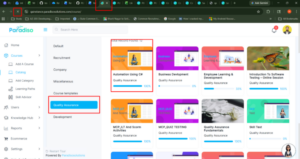
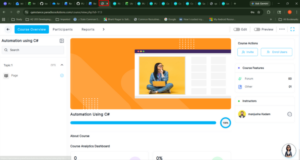
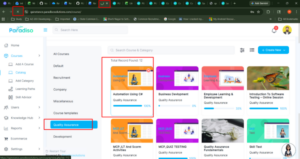
- We’ve fixed issues related to new tab navigation within course categories.
- Courses now correctly open in a new tab, and back navigation behavior has been improved.
- These updates ensure smoother and more predictable navigation.
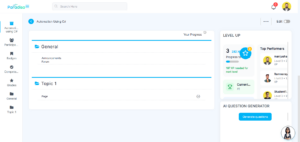
13. Topic Format Issues Fix
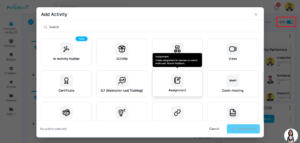
- Issues within topic format have been resolved.
- Previously, users were unable to add activities or exit edit mode.
- These functionalities now work as expected, improving usability during course creation.
14. Participant Tab UI Update
- Missing icons have been added to the Participant tab, and overall UI consistency has been improved.
These updates enhance clarity and visual structure.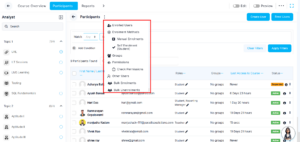
15. Learning Path Module Updates
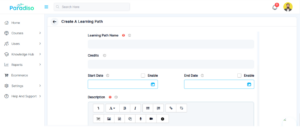
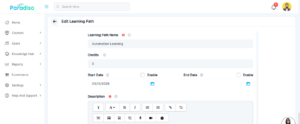
- Several improvements have been made to the Learning Path module.
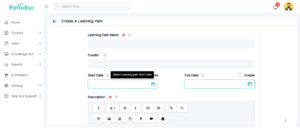
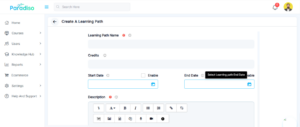
- Date field icons are now consistently styled, and tooltips align with other fields.
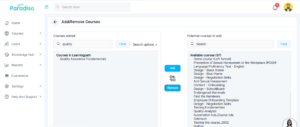
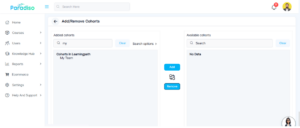
- Search functionality has been added to both Add Courses and Add Cohorts pages.
- Checkbox UI in the Notifications tab has also been improved for better usability.
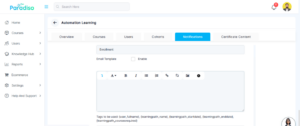
- These enhancements streamline navigation and improve interaction within the module.
16. Reports Module
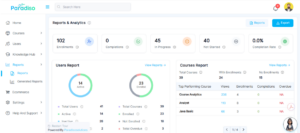
- Pagination in the Courses report block has been refined for better usability and visual clarity.
- The updated design provides a more consistent and user-friendly experience.
17. Automation Hub Module
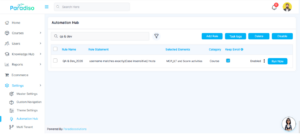
- We’ve fixed an issue in the Automation Hub where rule names containing special characters (such as “&”) were not handled correctly in search.
- Search results now display accurate matches, improving reliability.
Summary
- This release focuses on improving overall system usability, UI consistency, and navigation experience.
- We’ve standardized icons, tooltips, headers, and dashboard block behaviors to create a more cohesive interface.
- Enhancements have been made to Social Wall functionality and Learning Path usability, making workflows smoother and more intuitive.
- Key functional and security issues across reporting, navigation, and course management have been resolved.
- Additionally, improvements to search, pagination, and interaction patterns across multiple modules provide a more seamless and reliable user experience.