User can generate three types of courses: Manual courses, generate courses with AI, Generate course from content
- Click on https://app.cognispark.ai/course to get the create course page
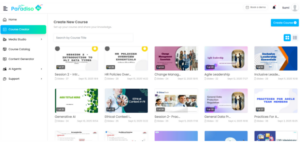
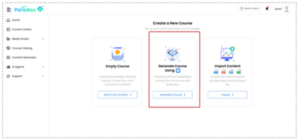
- Click on Generate Course using AI to create a course using AI
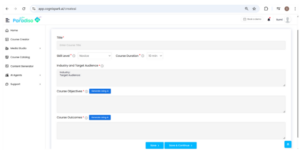
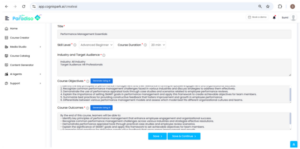
- Enter the title of the course, Skill level of the target audience, total duration of the course, the industry where target audience belong
- Click on Create objectives with AI
- Once objectives are generated, click on create outcomes with AI
- Once the outcome is generated, click on Save and Continue
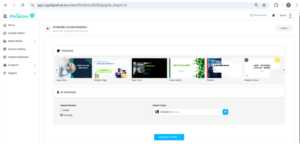
- Select any of the given template for your course
- Select the voice over from the dropdown list
- Click on Generate Outline
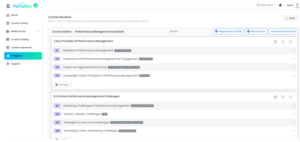
- Outline of the course will be generated with sub sections
- You can regenerate the entire outline , add new sections, add slides in any sections or edit the slide heading as required.
- You can click on any layout and choose new layout if required
- Once the outline is customized , you can click on the Generate Storyboard
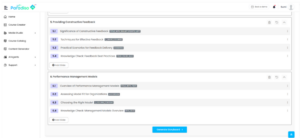
- Once the storyboard is generated, click on Generate Course
- You can also export the storyboard as pdf/doc

- Your course will be created
- You can edit or add more interactivities, quizzes as required
- You can click on Save to save your course and preview your course
- You can click on Export as a SCORM
- You can share and publish to LMS also