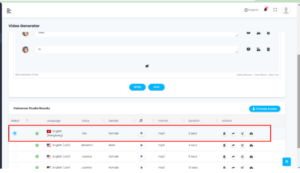
Voice over studio is used for delivering clear, expressive, and easily understandable speech output, supporting multiple languages and accents, and ensuring a human-like intonation and rhythm.
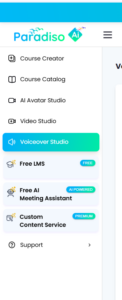
From left navigation menu, click on the Voice over Studio
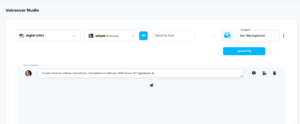
Here you can select language and voices of male/female as required. You can also preview voices. You can manually type the text or upload text files up to 10k character length.
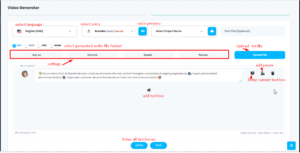
For adding text box with different voice first select the voice and then click on add box button. So, another voice gets selected.
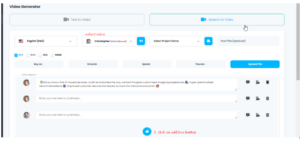
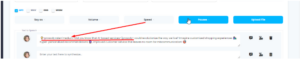
For applying effect first select the text and then choose effect.
Example: for applying speed select the part of text/whole text and apply effect.
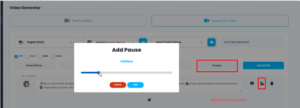
You can add pause from 100ms to 5000ms. The default value for pause is 1000ms.
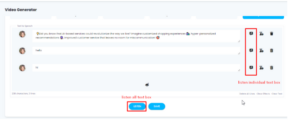
You can get the audio result in the below row, from where you can click for actions to download , and share etc.