
- HTML block
- HTML entities
- HTML per role block
- HTML table format
- The HTML per role block is a contributed block based on the standard HTML block and which allows for different messages to be displayed to different roles.
- Once installed, it can be added to a course from the blocks drop down menu in a similar way to a standard HTML block.
- In the configuration settings, you can select the context of the block and you can select which message will appear if a user has more than one role: the message for the higher role, or messages for all roles the user has:
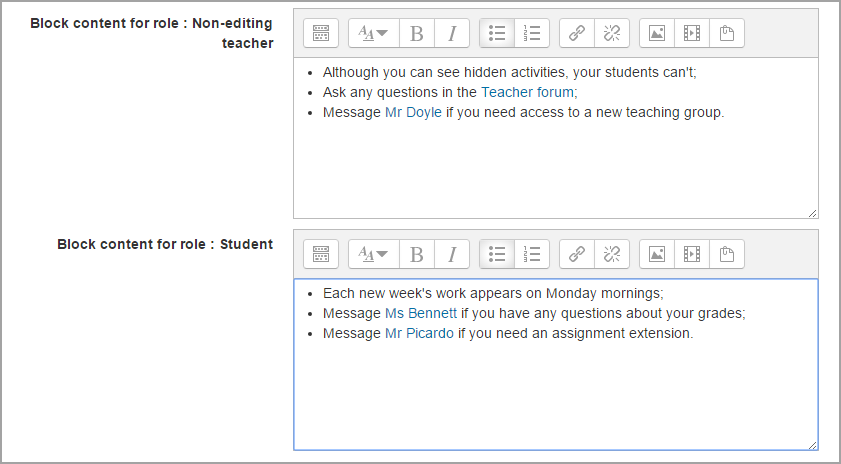
- There is space to include a message visible to all roles, and then to specify different messages for the roles of manager, editing teacher, non-editing teacher, and student.
- If custom roles have been created, the block will also display a space for a message to this custom role.